Parts Atlas has been designed for fast and simple parts identification
Designed to make ordering products even easier and faster for you and your company.
Free to trade account customers
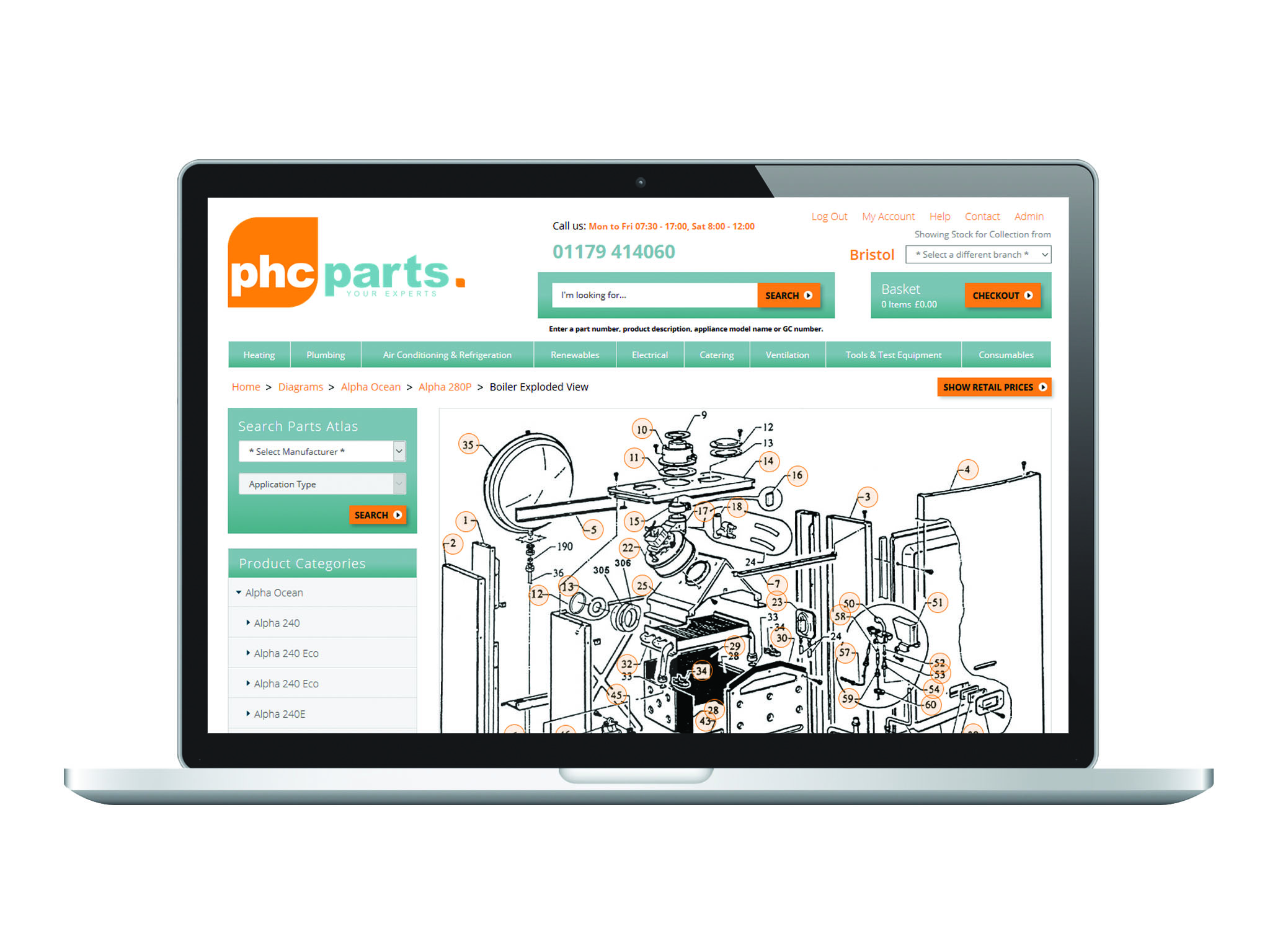
Exploded diagrams and product images making identification simple and easy
Accessible 24/7 on all platforms
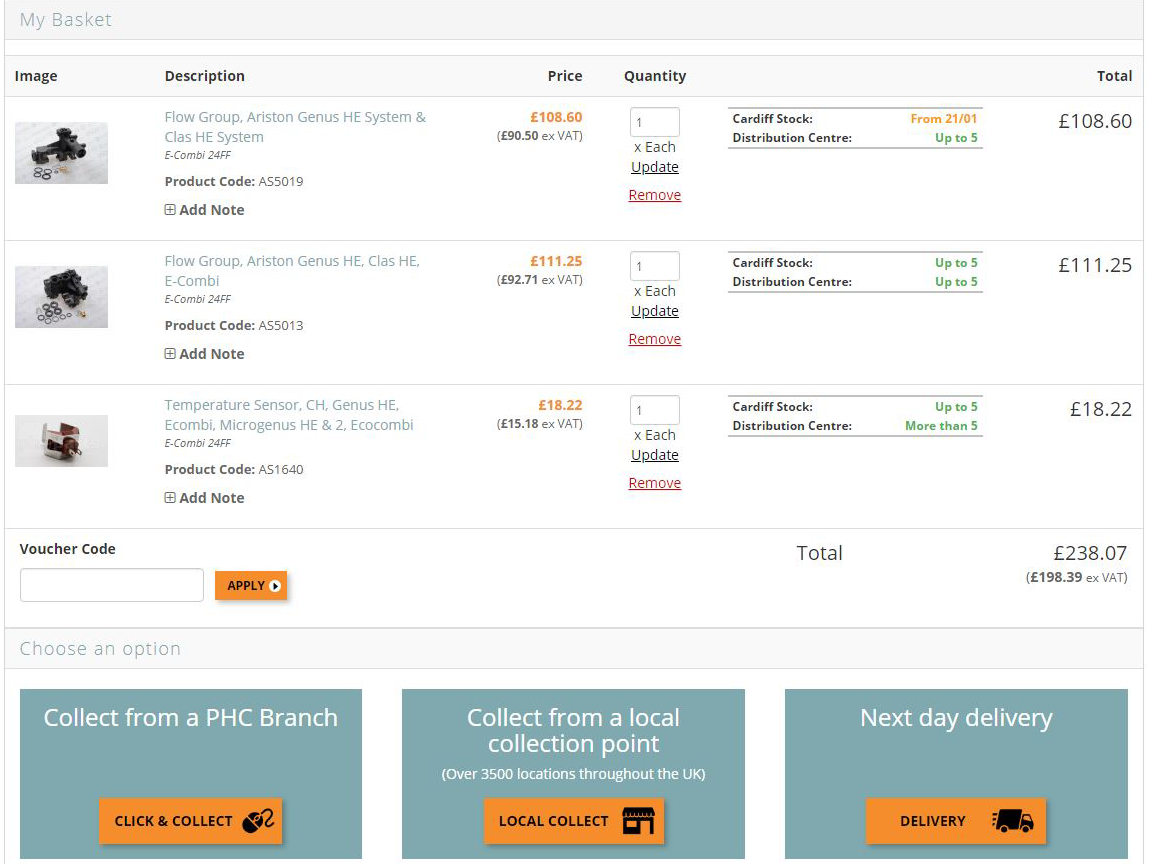
Add to basket with one simple click
Live stock availability including local branch availabilty
Click and collect
Trade Pricing
How to Guide
Login:
If you haven’t already got a website login, navigate to the registerpage, Follow the simple steps to set yourself up with an account today.
Before you are able to fully enjoy all the benefits of your bespoke trade account functionality, we just need a little time to connect your user to our software. This ensures you get the correct, branch stock levels and your bespoke trade pricing that you would normally receive in-branch. Please contact us if you need access instantly.
Navigating Parts Atlas:
The module (pictured right) is one of two ways to find parts diagrams and the quickest. Select the OEM and then the desired appliance hit search and you’ll be taken through to the appropriate diagram list.
The second way to search Parts Atlas is to use the search bar you can find at the top of the page. Here, you can put in the appliance name (Greenstar 12Ri OF), G.C. number (41-311-63) or manufacturer number (7716130137) and you’ll be brought to a search ‘splash’ page where you can refine your search by either selecting view all product results (which is also a great way to find products!) or the view Parts Atlas results button. This will take you to a list of relevant appliances - you’ll find what you’re looking for in the list displayed there!
Identify:
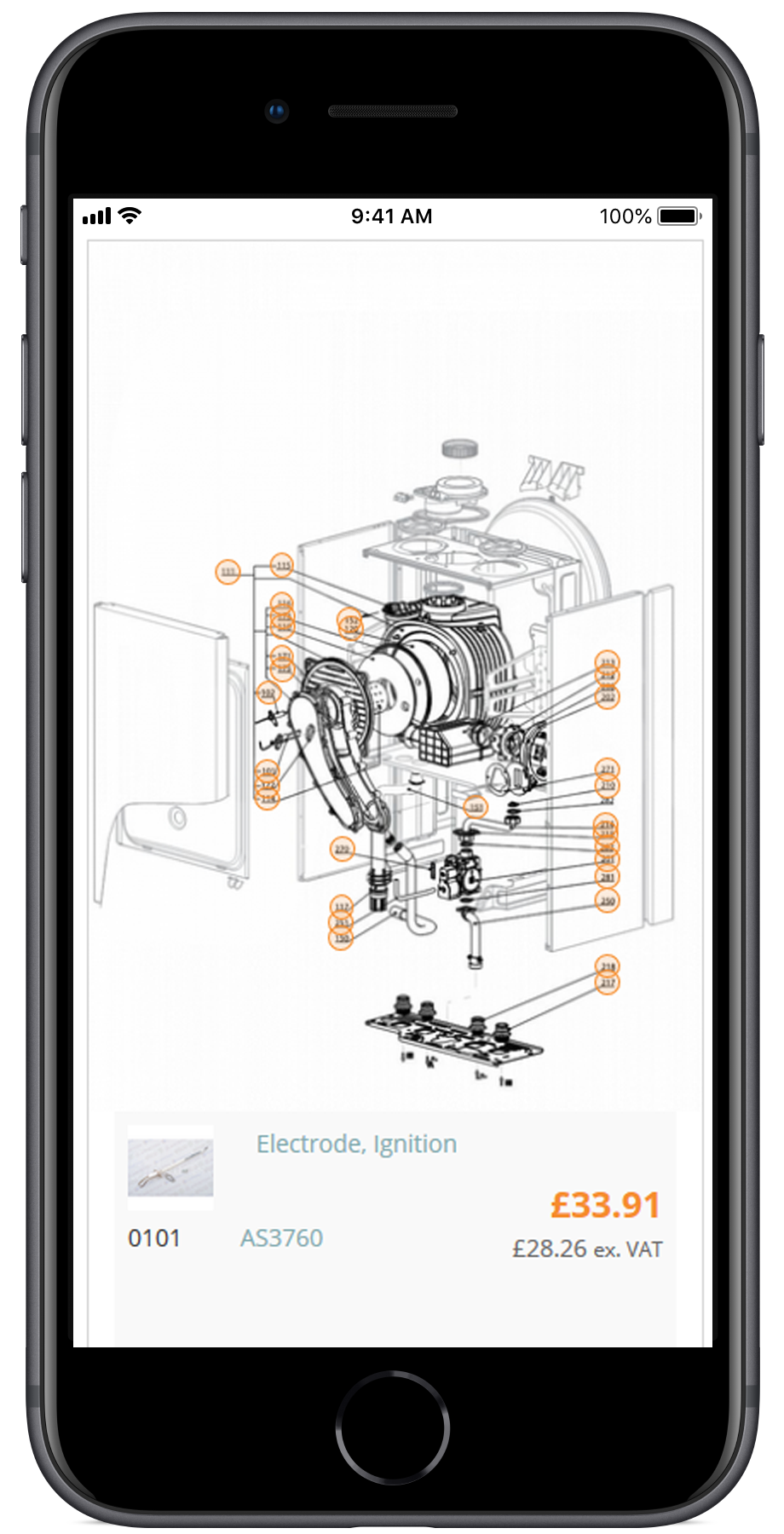
You’ll see diagrams with key numbers, like the diagram (pictured left). Click on these numbers, and you’ll be taken down to the corresponding parts listing, so you can check product codes, stock levels in your desired PHC Parts branch and also displaying your bespoke pricing!
Ordering:
Simply add the products to your basket, and then proceed to the checkout to order for collection or delivery.
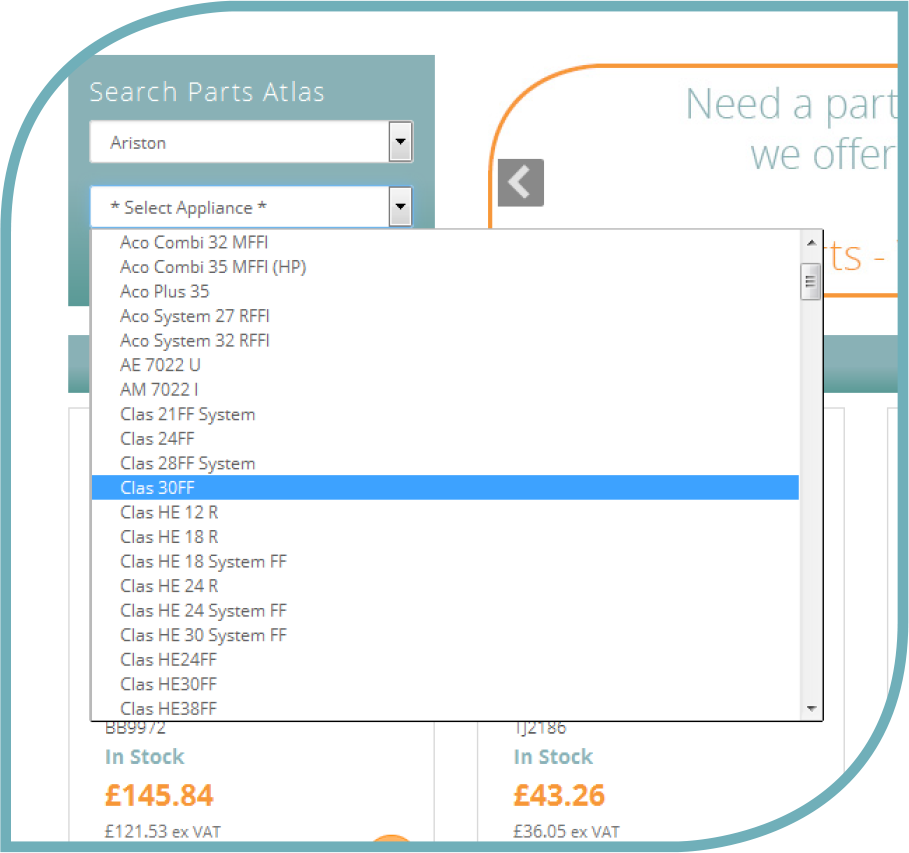 The module (pictured right) is one of two ways to find parts diagrams and the quickest. Select the OEM and then the desired appliance hit search and you’ll be taken through to the appropriate diagram list.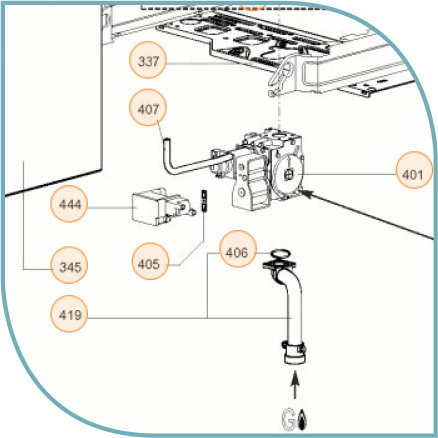
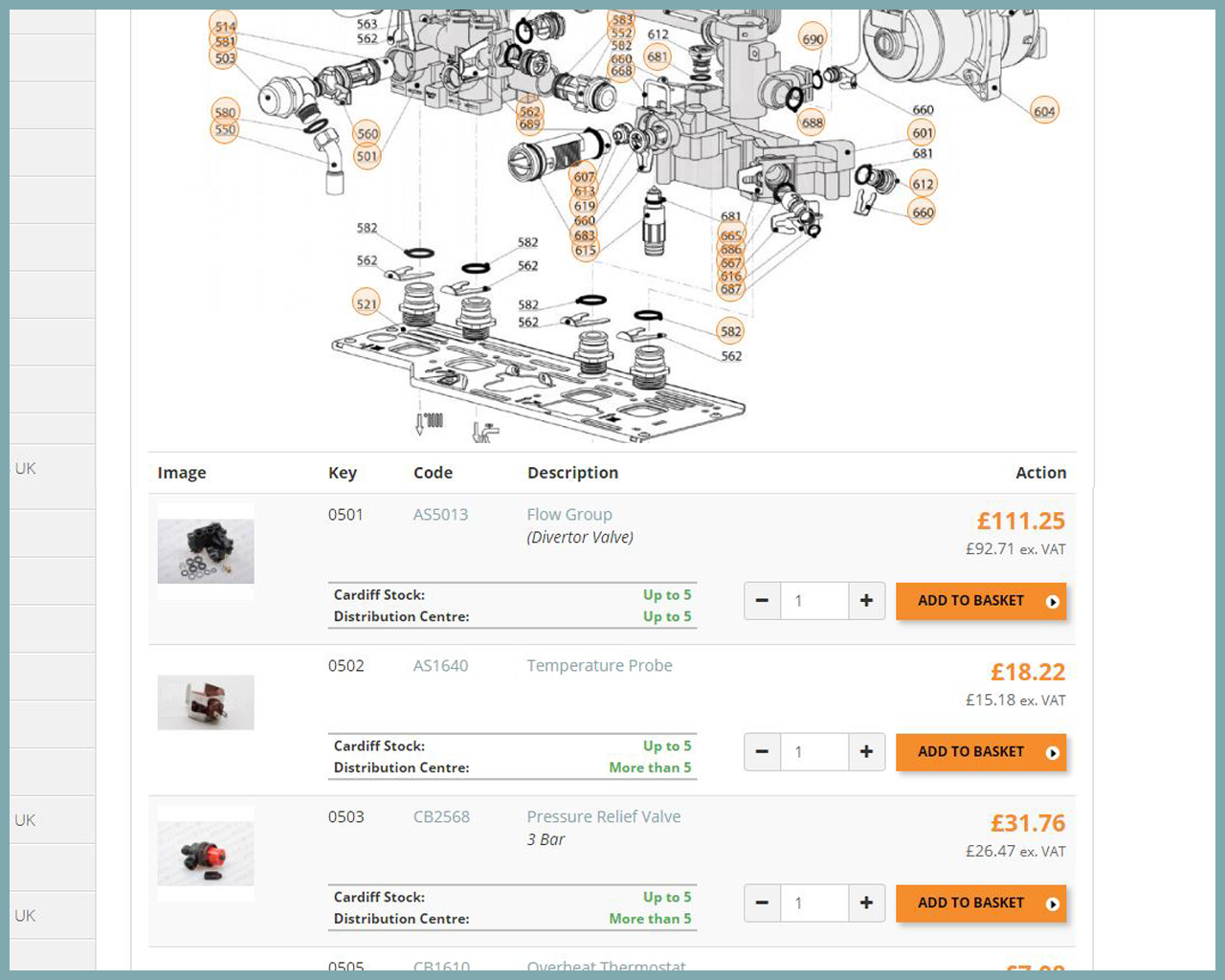 You’ll see diagrams with key numbers, like the diagram (pictured left). Click on these numbers, and you’ll be taken down to the corresponding parts listing, so you can check product codes, stock levels in your desired PHC Parts branch and also displaying your bespoke pricing!